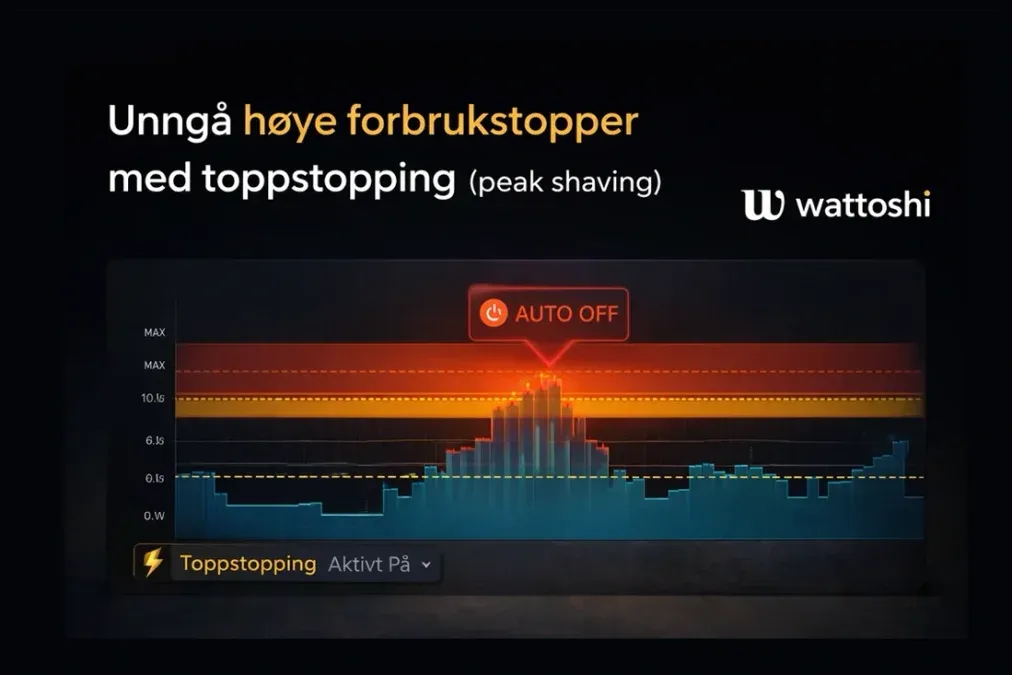
01How Peak Shaving works (and how to save money)
We previously coveredthe theory behind the capacity charge. In short, the grid operator can charge you hundreds of kroner extra each month if you use too much electricity at once.
The solution is called Peak Shaving (peak capping). Instead of allowing all large loads, such as hot water, heating, or other power-hungry appliances, to run at the same time, you spread them out over the evening and night.
The problem is that this is almost impossible to do manually in a busy daily life.
At Wattoshi, our solution is calledPeakstop.
⚠️ To makePeakstopwork, you need at least one of the following:
- An active 👉Real-time meter
- 👉Smart plugsor another controllable load that Wattoshi can switch on and off
Without controllable devices, the system cannot reduce the load - it needs something to cut.
Here is a guide to how it works in practice - and how to set it up:

02STEP 1: Determine your capacity limit
For Wattoshi to know when to intervene, you need to tell it where the limit is.
Capacity tiers in Norway typically look like this, depending on the grid operator:
• Tier 1: 0-2 kW
• Tier 2: 2-5 kW
• Tier 3: 5-10 kW
• Tier 4: 10-15 kW
Your goal is to choose a limit that is realistic to stay below, but low enough to move down at least one step in the grid-fee table.
For a typical detached house, it is common to aim never to exceed 5 kW (Tier 2), or 10 kW at the latest (Tier 3).
If the average of your three highest hours in a month exceeds 10 kW, you move up to Tier 4 and pay significantly more.
👉Log in to the Wattoshi dashboard to activate Peakstop
How to set it up:
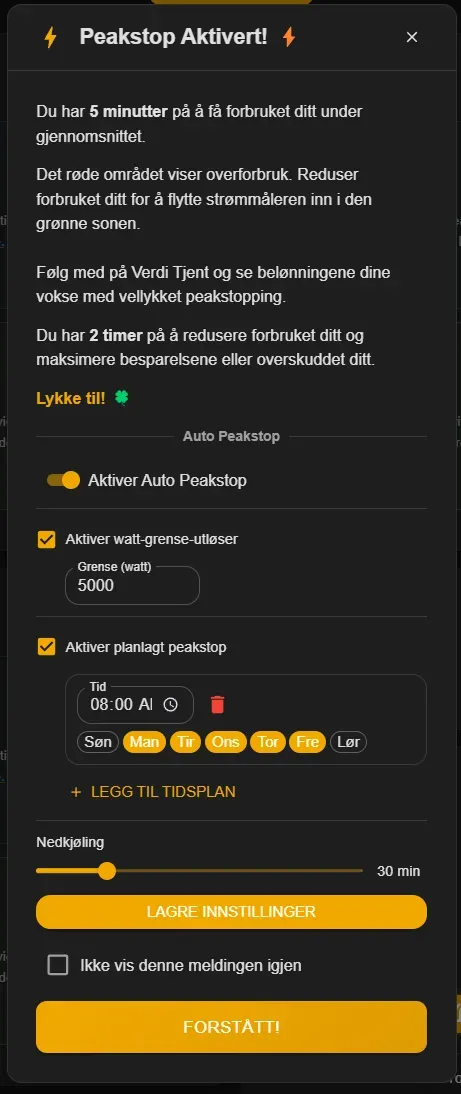
- Log in to the dashboard
- Click thePeakstop button
- Turn Peakstop ON
- Set the upper limit for total household consumption, for example 14.5 kW (leaving a little margin below 15 kW)
03STEP 2: Choose what can be switched off
Wattoshi cannot lower total consumption without switching something off.
Your job is to give the system control over loads that can be paused without significantly affecting comfort.
The key is devices with inertia - things that can be switched off for 30-60 minutes without anyone noticing.
The best load of all is a miner,but if you do not have a miner, these are good alternatives:
Typical candidates:
• Hot-water tank (3 kW freed immediately)
• EV charger or another high-power charger
• Underfloor heating or heating cables in rooms not actively being used
• Any type of heater, such as panel heaters and oil-filled radiators.
04STEP 3: What happens in practice? (How peaks and fees are cut)
Let us say it is 16:30 and your general electricity limit is 10 kW.
You get home from work and plug in the EV (draw: 7 kW).
Inside, the kids want pancakes, so the oven and stovetop are switched on (draw: 4 kW). At the same time, the hot-water tank is running in the background (draw: 3 kW).
Suddenly, the house draws 15 kW+ from the grid.
Without Wattoshi, this hourly average would quickly be recorded above 10 kW. You would move up one or two capacity tiers, and that month's electricity bill could cost youseveral hundred kroner extrain grid fees.
With Energy Thresholds enabled, this happens:
- The real-time meter (Wattoshi POW) detects that consumption is rising sharply - the house exceeds the limit you set.
- Wattoshi switches off the loads you have connected to PEAKSTOP
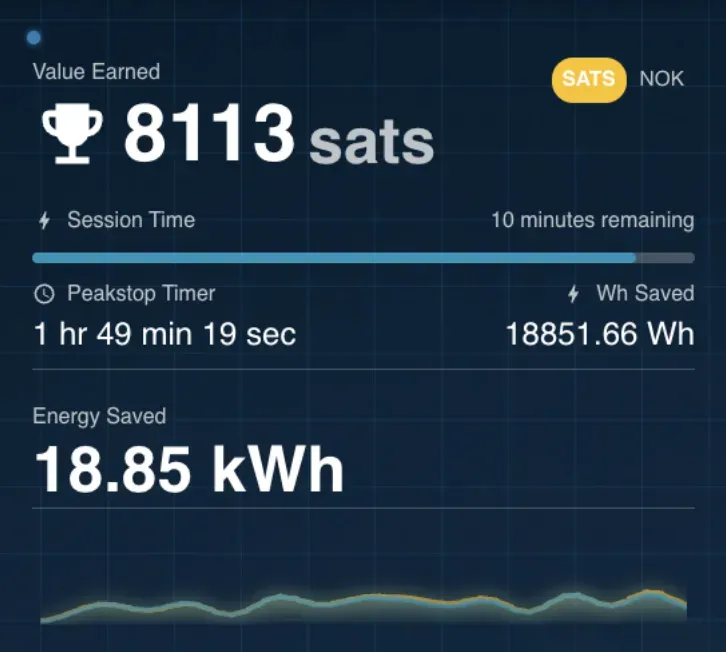
- Tracks the value of your savings
- Turns the loads back on once your consumption drops below the limit again.
The result is that you stay below your capacity tier - and avoid unnecessary extra costs.