The number of automated scans, brute-force attacks, and port probes against ordinary home IP addresses has increased noticeably. Botnets do not choose victims. They simply move through address ranges continuously, and your address is just as exposed as everyone else's.
Most people do not know this. Not because they do not care, but because their router is silent. It does not show logs. It does not ask permission. It just blinks a blue light and pretends everything is fine.
This article is about what happens when your router starts to "talk".
01What OpenWrt Is and Why It Matters
OpenWrt is a Linux operating system for routers. It is not firmware with a pretty interface on top of closed code. It is not an improved version of the manufacturer's software. It is a full operating system that runs on your router's hardware instead of the software the manufacturer installed.
Factory firmware on most routers is a compromise. Manufacturers want the device to work out of the box, require no support, and not scare ordinary users. That is why there are no proper logs. That is why the firewall is described with three buttons: Low, Medium, High. That is why updates arrive rarely and eventually stop entirely.
OpenWrt does not make those compromises on your behalf. It gives you a router that:
- shows everything happening on the network
- receives updates regardless of whether the manufacturer still remembers you
- lets you describe rules in words instead of checkboxes
- does not phone home without you knowing

02Why Would an Ordinary Person Need This?
It is easy to assume that OpenWrt is for people who read CVEs for breakfast and know the port table by heart. That is not true.
Imagine you live in an apartment and have a door. A factory router is a door without a peephole, without a chain, and without any way to know who is standing outside. OpenWrt adds a peephole and a safety chain.
For most people that is enough. Not to become experts, but to stop being completely blind.
In practical terms it means:
You can see what is happening.
Which devices are on your network. How often they access the internet. Where they actually connect to. Your TV may turn out to be more talkative than you are.
You control traffic.
You can block a single device. You can prevent a smart light bulb from contacting whatever it wants. You can give guests internet access but keep them away from your files.
You get updates.
OpenWrt is an active open source project. Vulnerabilities are patched. It does not depend on whether the manufacturer considers your router obsolete.
03Can I Run OpenWrt on a Normal Router?
You can flash an older router if it is supported, if it has enough memory, and if the manufacturer has not locked third-party firmware installation. It is possible, but it requires a bit more tinkering.
For most people, buying a router that already runs OpenWrt is the better option.
These routers come with the system preinstalled and the interface configured. You plug it in and immediately enter the world of logs, rules, and control described above.
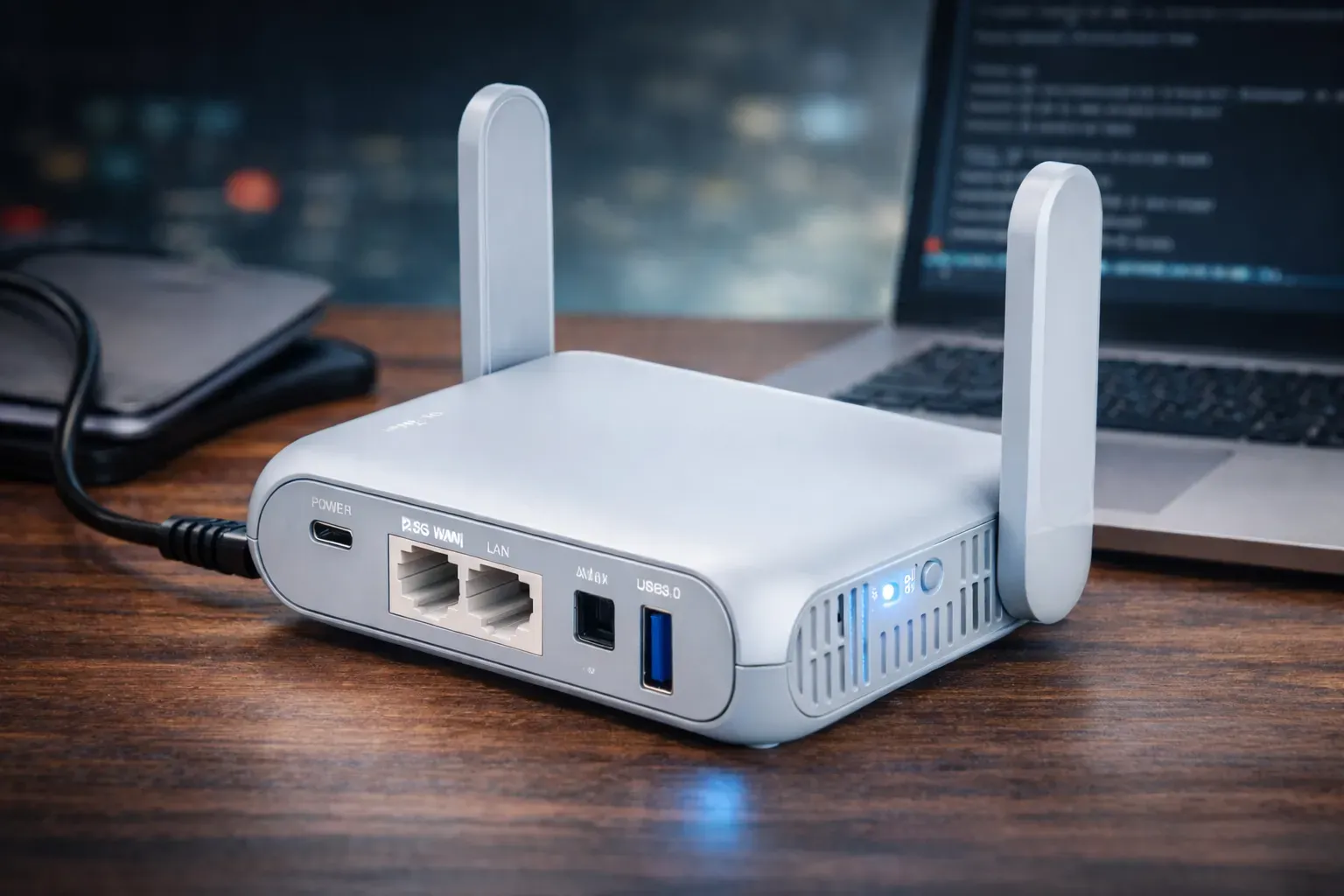
One router I recommend is ALLNET Wireless AX3000 (Beryl MT3000). It is a compact Wi-Fi 6 router with a 2.5 Gbit WAN port, built-in WireGuard, and OpenWrt onboard. It works at home, while traveling, as a VPN gateway, or as a separate segment for smart devices. No closed firmware and no mandatory cloud.
You can see this and otherOpenWrt routers here.
04First Steps: What to Do After Installation
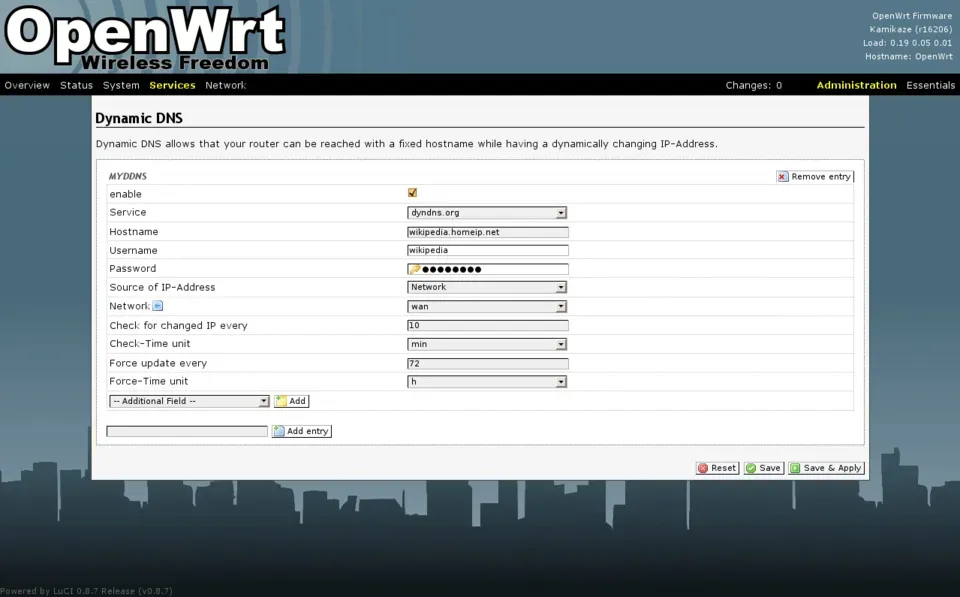
The interface is called LuCI. It is a web panel that runs on top of OpenWrt. It looks modest, but it is stable.
Set a password
System → Administration → Router Password.
Without this, SSH is open without authentication.
Update package lists
System → Software → Update lists.
OpenWrt uses a package system like any Linux distribution. You install what you need and remove what you do not.
Look at the status page
Status → Overview.
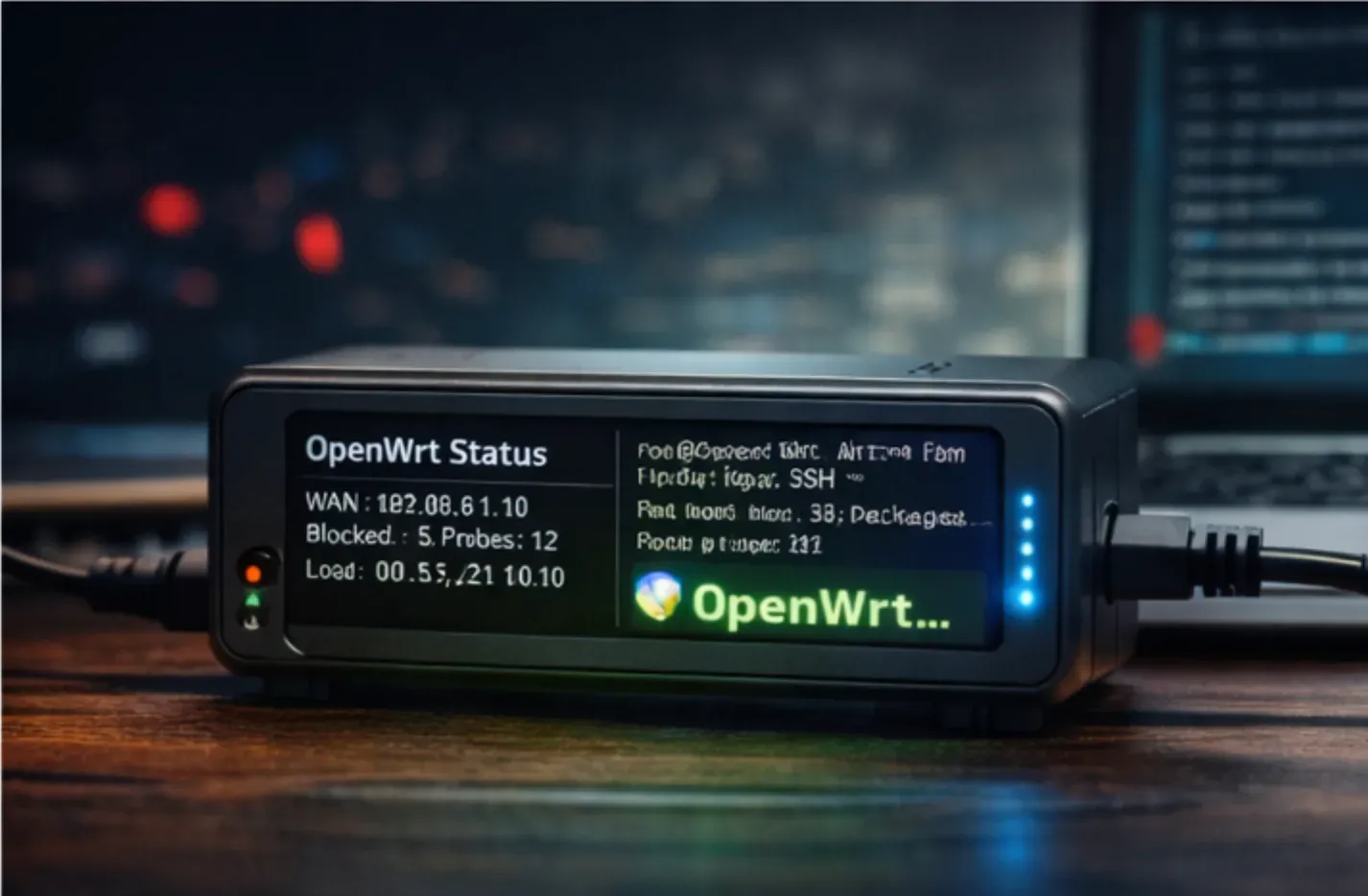
Here you will see uptime, load, connected devices, and WAN status. Just look. Do not change anything yet. Get used to the fact that the information actually exists.
Check the logs
Status → System Log.
If you see lines with DROP or REJECT, the firewall is working. If you see connection attempts from unknown addresses, that is normal. Now you know.
05SSH: Why It Is Worth Using
After setting a password, SSH works. That means you can connect to your router from a terminal:
You go straight into the Linux system. You can:
- view processes
- read logs in real time
- install packages with a single command
and more.
06Firewall: Rules Instead of Checkboxes
In OpenWrt, the firewall is described using zones and rules.
The zones are:
- WAN (the internet)
- LAN (your network)
By default:
- LAN to WAN: everything allowed
- WAN to LAN: everything blocked
- WAN to router: SSH and the web interface are closed from outside
These are sensible default settings. You should only change them if you know why.
One useful feature is Traffic Rules. Here you can describe rules in almost human terms. Device, direction, port, and action.
For example:
- "This device can only use DNS through my resolver."
- "This address range has no internet access between midnight and 6 a.m."
You do not have to do this now. The important thing is that it is possible.
07WireGuard: If You Want More
WireGuard is a modern, simple, and fast VPN protocol. In OpenWrt it can be installed as a package:
After that you can create a VPN interface in the web panel.
Why it is useful:
Remote access to your home network
If you are in another city and need access to your NAS or printer at home, you can start the WireGuard connection.
Encryption on foreign networks
In a café, airport, or hotel, all traffic goes through your home router.
Less noise
Traffic becomes more consistent and less chatty. It does not make the internet faster, but it reduces many unnecessary connections.
Setup usually takes about half an hour and requires reading some documentation. It is not difficult, but it requires attention.

08What Happens Afterward
After a while you will notice that you have not restarted your router in a long time. It just works.
No alerts.
No banners.
No "threat detected".
You will not feel protected the way antivirus ads describe it. You will simply stop being blind.
And that turns out to be a completely different feeling.
OpenWrt does not make you an expert. It makes you the owner of your own network.
09How to Start
If you have read this far, the shortest path is simple:
Get a router that already runs OpenWrt.
Plug it in.
Set a password.
Open the logs.
You do not need to do anything else right away. Just watch.
The router will show you what is happening on its own.
See available models in the storehere.